
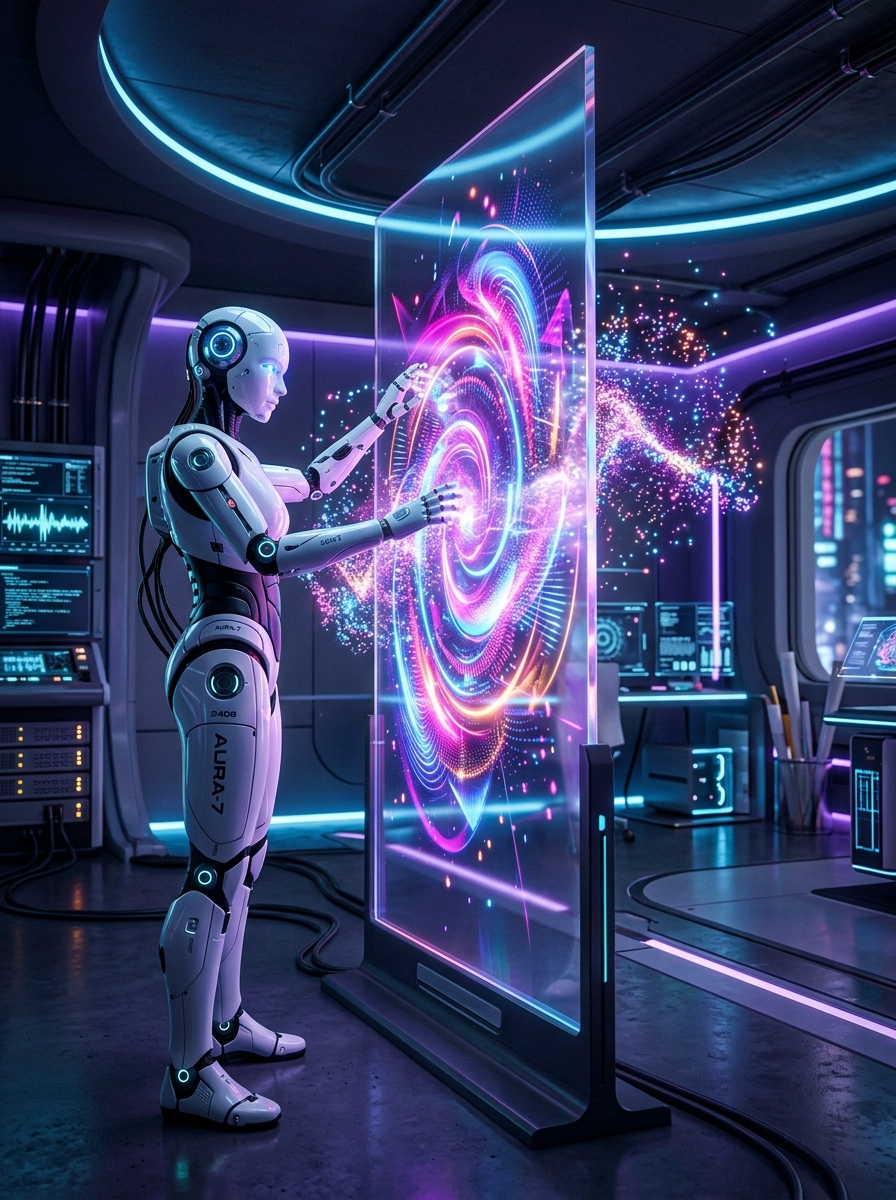
The release of Midjourney V6 has set a new gold standard for generative artificial intelligence design. V6 features a vastly improved understanding of long natural language prompts, superior text rendering capabilities, and highly realistic, volumetric lighting styles.
For developers, artists, and UI designers seeking to construct fütüristik assets, mastering midjourney v6 cinematic image prompts is the ultimate key to generating premium resources. In this creative guide, we will break down the essential parameters, lighting cues, and prompt layouts to transform raw text into cinematic masterpieces. We will also look at how downloading optimized templates from PromptHubCentral can accelerate your visual workflow.
1. What Makes Midjourney V6 Different?
In previous versions (like V5), Midjourney relied on keyword-stuffing. Users had to dump terms like "hyperrealistic, 8k, octane render, trending on artstation" to get decent quality. V6 completely abandons this approach.Instead, the V6 model is trained to process descriptive natural language. If you type "hyperrealistic", the model actually tends to produce plastic-looking 3D models. To get realism in V6, you must describe the scene like a director: mention camera models, lighting directions, time of day, and environmental textures.
2. Essential Midjourney V6 Parameters
Parameters are the modifiers appended at the very end of your prompts. They act as rules for the rendering engine:A. Aspect Ratio (--ar)
Specifies the dimension of your output canvas.--ar 16:9 - Ideal for website banners, YouTube thumbnails, and landscape backdrops.--ar 3:4 - Perfect for poster layouts, portrait shots, and visual showcase cards (like our cards on PromptHubCentral).--ar 9:16 - Best for mobile screens, Instagram stories, and vertical wallpapers.B. Stylize (--s / --stylize)
Controls how artistic the engine should be. Values range from 0 to 1000.--s 50): Follows your prompt words strictly. Good for logo designs and precise UI components.--s 250 to --s 750): Applies rich artistic textures, shadows, and depth of field. Great for concept art.C. Style Raw (--style raw)
Bypasses Midjourney's default aesthetic tuning. Use this parameter when you want a clean, photographic, and less "AI-looking" render. Highly recommended for commercial photography prompts.D. Chaos (--c / --chaos)
Ranges from 0 to 100. Higher values yield highly unexpected variations in the four generated grid images. Ideal for initial brainstorming.---
3. How to Structure Cinematic Visual Prompts
To create realistic scenes, follow this structural formula:1. Core Subject: Describe the main subject clearly (e.g., "A sleek white humanoid android cyborg").
2. Environment & Setting: Explain the background details (e.g., "inside a high-tech white laboratory with glowing server racks").
3. Lighting Style: Crucial for cinematic depth (e.g., "illuminated by volumetric cyan and purple light shafts, dramatic shadows").
4. Camera & Film Cues: (e.g., "shot on 35mm lens, close-up portrait, shallow depth of field").
5. Parameters: (e.g., --ar 3:4 --style raw --s 250).
Structured Prompt Blueprint
Let's see an example prompt that generates hyper-premium assets:Photorealistic close-up vertical shot of a sleek white female cyborg robot, intricate internal blue and purple fiber optic circuit wires glowing under her translucent skin, interacting with floating holographic code interfaces in a minimalist clean high-tech research lab, volumetric dramatic lighting, photorealistic 8k render, shot on 85mm lens --ar 3:4 --style raw --s 300
This structured prompt ensures that the renderer yields deep contrast, sharp details, and realistic skin-circuit textures without looking generic.
4. UI Design Mockups and Backgrounds
Beyond character art, Midjourney V6 is an incredible partner for UI/UX prototyping. You can generate sleek dark-mode glassmorphic layouts, fütüristik dashboard screens, or abstract landing page backgrounds by describing user interface elements:Example: "Clean web design mockup of a fütüristik premium AI SaaS dashboard, dark theme, neon violet and cyan accents, minimalist glassmorphism panels, user data charts, UI/UX, vector style --ar 16:9 --s 150"
5. Elevate Your Creative Workflow with PromptHubCentral
Writing visual prompts requires a lot of experimentation with parameters and lighting terms. To skip the learning curve, you can browse and copy curated, test-tested midjourney v6 cinematic image prompts on PromptHubCentral.Whether you need fütüristik cyborg illustrations, clean product mockups, or abstract neon web backdrops, our visual database provides ready-to-run configurations that yield stunning results instantly. Explore PromptHubCentral today and start rendering visual masterpieces!